The Rise of Live Trans VR Cams: Why Spatial Presence Replaced 2D Screens
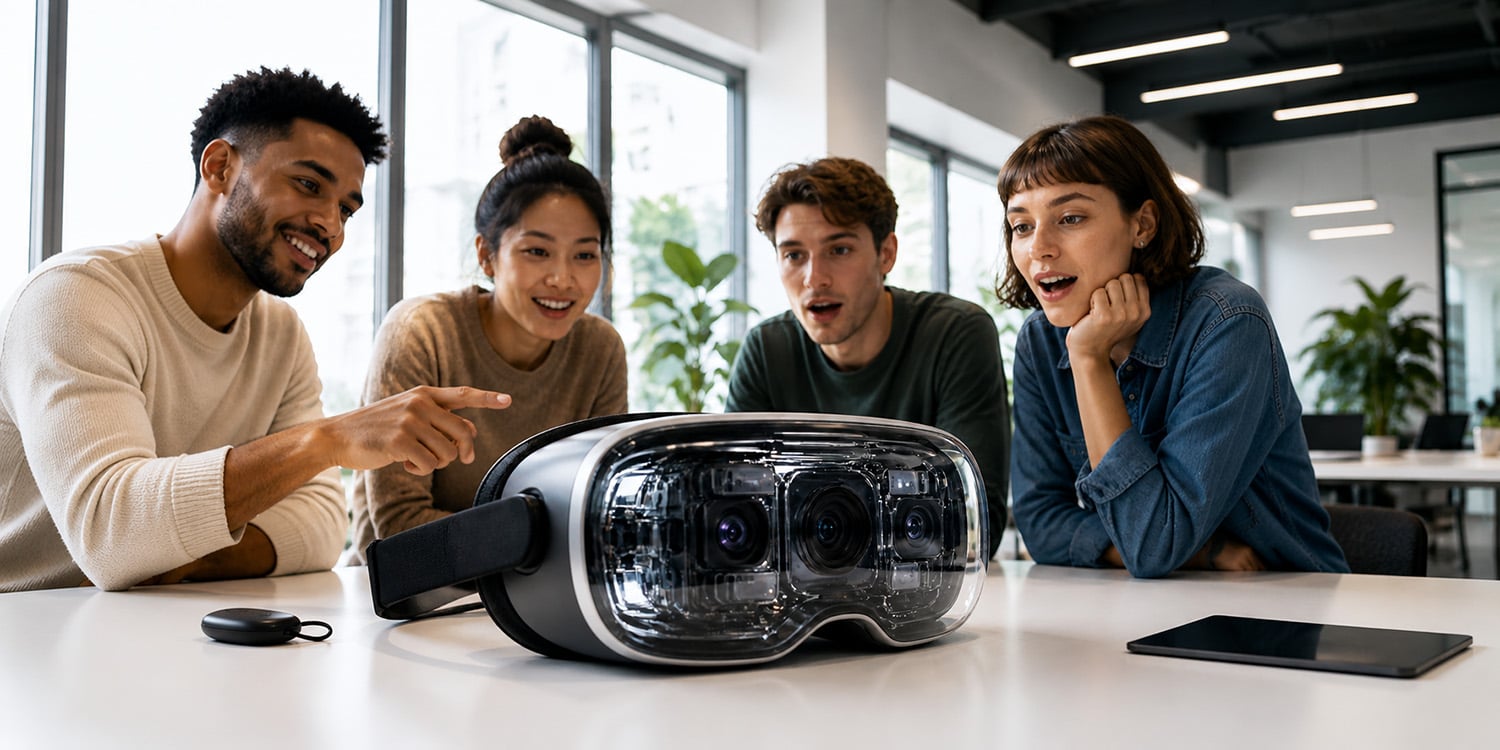
Why live trans VR cams outperformed 2D: depth, scale, and the Spatial Presence Ratio that turns viewers into participants.
The Rise of Live Trans VR Cams: Why Immersion Changed the Category
VR Isn't '3D Video', It's a Change of Agency
Spatial presence, not sharper pixels, is why live trans VR cams outperform 2D screens. Stereoscopic depth, motion parallax, and life-sized scale push viewers across a presence threshold that no resolution upgrade can replicate in flat live streaming.
A 2D screen is something you watch. A VR environment is somewhere you are. That distinction sounds deceptively simple, but it changes how a viewer responds at a fundamental perceptual level. The moment the correct scale activates and a performer appears at actual human size, the brain stops processing the experience as video. That shift is the real story behind the rise of live trans VR cams.
This article covers the technical priorities that drive that shift, spatial presence, the Spatial Presence Ratio (SPR), and the practical setup decisions creators face when moving from 2D to live VR. Consumer headsets reaching broader audiences and platforms, and adding low-latency streaming support, both accelerated the transition. Once production moved beyond early demos, geometry and latency emerged as the real limiting factors, not image quality.
When viewers can physically move inside a scene, agency determines whether they feel present. The Spatial Presence Ratio below explains why geometry and parallax consistently beat pixel count. In early demos, first-time viewers routinely leaned back when a performer stepped close, an involuntary reflex that no 2D upgrade has ever produced. Presence, not resolution, is what the brain is actually tracking. Dedicated VR cam platforms increasingly prioritize stereoscopic depth, scale accuracy, and viewer agency because immersive interaction consistently creates stronger engagement than visual fidelity alone.
The Spatial Presence Ratio: Definition and Mechanics
The Spatial Presence Ratio (SPR) is the threshold at which spatial cues overtake image fidelity as the dominant driver of viewer experience. Those cues, stereoscopic depth, motion parallax, and life-sized scale, trigger reflexive physical behaviors like leaning, dodging, or adjusting personal space. Once a viewer crosses that threshold, the experience stops feeling like a screen and starts feeling like a space.
The Spatial Presence Ratio (SPR) is a practical yardstick for creators: it measures whether the viewer feels physically inside the virtual space rather than watching it from outside.
In informal operator tests across the Meta Quest 2, Pico 4, Valve Index, and HTC Vive Pro 2, correctly converged stereoscopic 180 capture consistently produced stronger embodied responses than higher-resolution monoscopic footage. These are practitioner observations, not peer-reviewed findings.
Presence is also fragile. Small geometry errors, incorrect lens convergence, a camera placed a few centimeters too high, or inconsistent performer blocking can flatten a scene faster than visible compression artifacts. In close-range live trans VR content especially, geometry dominates everything else.
New creators commonly chase sharpness. Get the geometry right first, then worry about bitrate.
Why Immersion Replaced 2D Screens: Depth, Scale, and Parallax
Depth solves disconnection. Life-sized scale and motion parallax let viewers judge distance, intent, and personal space, and that judgment drives perceived closeness far more than color fidelity or dynamic range. A small eye-line error, or a performer rendered even slightly larger than life, will snap viewers back into passive screen-watching regardless of how sharp the image is.
Eye-line and consistent scale matter more than contrast or sharpness. If a performer's apparent height is off by a small margin, say the camera sits a few centimeters too high, creating an unnatural downward gaze, the stream simply feels wrong. Many teams miss this because they're measuring pixels rather than geometry.
One operator kept pushing bitrate until he realized the camera was mounted roughly four centimeters above natural eye height. Fixing the mount costs nothing. That's usually how it goes: the real fix is cheaper and faster than the one you were pursuing.
Moving From 2D to Functional VR: A System-Level Guide
- Hardware selection. Choose cameras and headsets that reproduce life-sized scale accurately. Prioritize field of view (FOV) and stereoscopic fidelity over megapixels. The Z CAM V1 Pro and Insta360 Pro 2 are established options for stereoscopic 180 capture; both are worth evaluating against your budget and platform requirements. For headsets, the Meta Quest 2 offers broad reach while the Valve Index suits precision testing.
- Space and blocking. Mark safe performer zones and create clear foreground, midground, and background planes. Remove clutter that disrupts motion parallax. A great lens on a poorly staged set undermines spatial continuity; this is where many teams quietly lose the gains they made on hardware.
- Stream and encoder. Prioritize low-latency streaming and consistent frame timing over peak quality. Use hardware encoders like NVENC or Apple VideoToolbox with CBR and short keyframe intervals, adjusting for platform bitrate and GOP rules. Run a 60–90 second slow-motion approach/recede test and watch for early nausea or orientation resets; fix geometry before going live.
Beginner vs. Advanced: How Goals and Retention Differ
Beginner focus. Start with a 3DOF mobile headset such as the Meta Quest 2 and a basic stereoscopic 180 rig. Stabilize camera height to viewer eye level, match IPD settings to the headset's defaults, and make sure the Wi-Fi connection is solid. These choices clear the initial presence threshold without a major equipment investment. Don't move beyond this stage until viewers report comfort and orientation resets are rare.
Advanced focus. Once baseline spatial presence is working, move toward 6DOF tracking and local haptics to push the experience from brief spikes into longer, more consistent sessions. The difference is less about specs and more about raising the floor; beginners see occasional presence moments; advanced setups make those moments the norm, so viewers naturally stay longer.
Don't invest in haptics until geometry and latency are solid. They add depth but can't fix broken scale or timing. Most operators who struggle at this stage aren't under-equipped; they simply moved too fast.
Common Mistakes That Kill Presence
Ignoring IPD settings. Many headsets default to a generic interpupillary distance. Always check and adjust IPD at the start of every session to prevent eye strain and perceived distance errors. It's a small fix that a surprising number of setups skip entirely.
Choosing 360 monoscopic over stereoscopic 180 for close-range interaction. 360 capture trades depth accuracy for wider coverage. The format works for environmental context, not simulated closeness.
Neglecting latency and frame-timing consistency. Even small delays decouple head movement from motion parallax and can knock viewers out of orientation entirely. Streaming failures are rarely about resolution. They're almost always about timing.
Low-latency streaming isn't optional; it's structural.
Suggested original visual: side-by-side comparison of stereoscopic 180 vs. 360 monoscopic depth rendering at close performer range, showing parallax accuracy difference in-headset
First VR Session Setup
Pre-session. Test IPD and headset comfort across several viewers, mark performer safe zones on the floor, and rehearse approaching and pulling back from the camera. Run at least three dry runs with different body types before going live. Whether the headset supports 3DOF or 6DOF, correct scale and IPD are the first things to confirm, every time.
Camera setup. Set convergence for life-sized scale, enable stereoscopic 180 capture, confirm the field of view aligns with the viewer's eye height, and lock down any tripod or rig to prevent micro-jitter. Small shakes break motion-to-parallax coupling faster than compression artifacts ever will.
Streaming. Run a 60–90 second slow-motion approach-and-recede test and watch for nausea or orientation resets before going live. Have a colleague observe the motion test; a lean-back or head-tilt within the first 30 seconds signals a geometry problem. Then select hardware encoding where available, and set CBR with a conservative bitrate to keep the stream stable.
Editorial policy
This article is based on independent operator testing, hardware documentation, and platform testing; it represents informal lab and operator observations rather than peer-reviewed research.
What Real Results Look Like, and When to Shift Strategy
Sessions one to three. Expect presence spikes of a few minutes at most. Many viewers will test the experience early, and if the geometry or latency feels off, they drift back into passive watching rather than engaging further.
Sessions four to twelve. With correct IPD, life-sized scaling, and stable latency, average session length and conversational engagement typically climb. Operator observations suggest that consistent presence can shift monetization away from passive view counts toward more active models, tips, and proximity-based requests, though results vary by setup. This becomes particularly noticeable in live trans VR cam experiences, where correct scale, eye-line positioning, and stereoscopic depth have a direct impact on perceived closeness and overall session engagement.
One creator spent her first three sessions convinced her setup was broken because engagement was flat. It wasn't. The geometry was slightly off, and a single IPD correction changed everything. That kind of problem is easy to miss when you're troubleshooting the wrong variable.
When to upgrade. If repeat sessions still show early drop-off, better convergence control and a dedicated encoder will move the needle faster than chasing higher bitrate. Poor depth and scale break felt realism faster than lower resolution ever will. A consumer stereoscopic rig with a properly tuned streaming stack resolves most presence issues. For live trans VR cams, that baseline matters more than pursuing 6DOF or haptics; those only make sense once the core immersive experience is stable and consistent.